
MARTIAL ARTS ACADEMY MANAGEMENT
Give the next class a clear starting point.
Explore a coach’s session, linked lesson and preparation context in Kimura. See complete recreated tablet and phone views, then try the synthetic workflow.
Try the synthetic workflow →Built on Salesforce · In active development
SESSION & LESSON PLANNING
Keep teaching preparation close to the class.
A coach should be able to find the next session and understand its linked lesson before teaching. Kimura’s development views connect session context with lesson information. The website illustrates the workflow using fictional content; it is not an approved martial-arts teaching plan.
- 01
Start with the session
Review the scheduled class and its linked-lesson context in the coach example.
- 02
Read the lesson
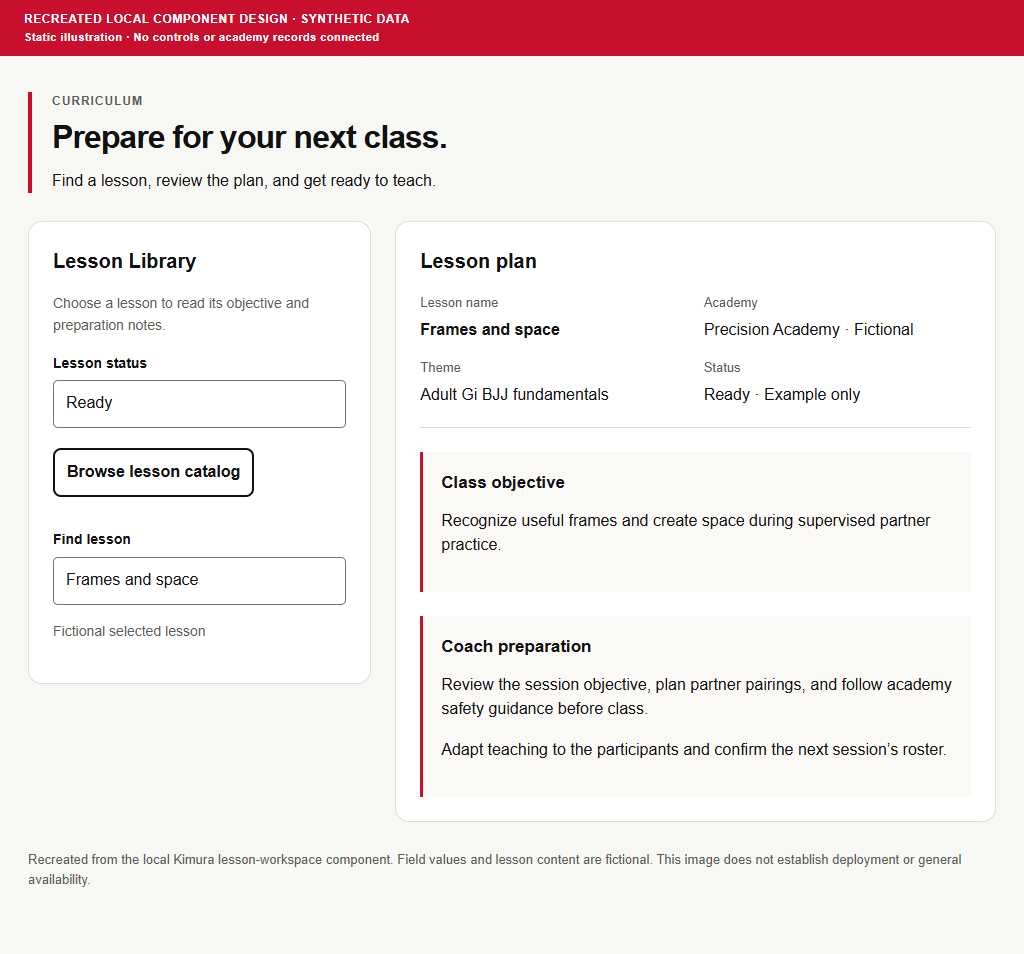
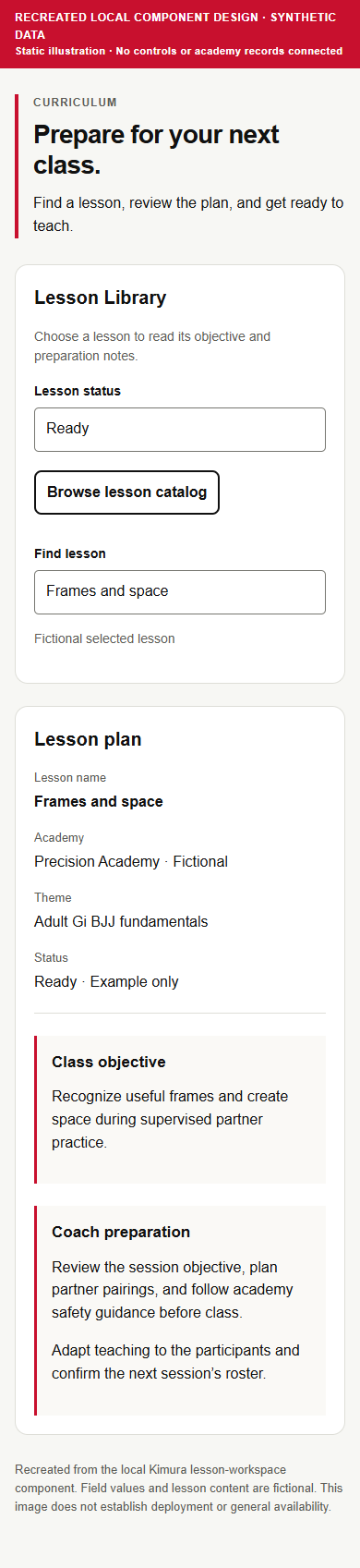
Explore a source-informed recreation of lesson name, theme, class objective and coach preparation. These illustrations are based on a local development component, not a verified deployed capture.
- 03
Prepare the team
Review the class context and roster, and follow your academy’s teaching and safety guidance. The separate website class timer is available as a browser tool.
WHAT YOU ARE SEEING
Clear evidence. Clear boundaries.
Session planning and linked lesson viewing are in development. The lesson illustrations recreate a local component design. Expanded resource creation, video-library playback, uploads and hosting remain planned, not released.
Read the product evaluation brief →Review planned concepts →KEEP THE FULL CONTEXT
Inspect the complete screen.
RECREATED LOCAL COMPONENT DESIGN · SYNTHETIC DATA. Images are static evidence, not live app controls. Actual Follow-ups captures show an empty development state; other views are recreated.
Questions academy teams ask.
Are the lesson screens actual Salesforce screenshots?
No. These two images are clearly labeled recreations of a local Kimura component design with synthetic content. Actual development captures are identified separately elsewhere on the site.
Does Kimura host training videos today?
Video hosting, uploads and playback are planned. The teaching-library mockup illustrates a future direction, not an operational media service.
Is the class timer part of the Salesforce app?
The current timer is a separate website browser tool. Its presence does not establish a released Salesforce timer feature.
EXPLORE A DAILY WORKFLOW
Start with the work that matters.
Complete mockups and synthetic examples. Planned capabilities remain labeled separately.
YOUR ACADEMY’S WORKFLOW
See how this could fit your team.
Walkthrough and pilot inquiries are welcome. Pricing, Salesforce licensing, implementation and availability require an individual discussion.
Request a session & lesson planning walkthrough →Opens your email app with an editable draft. Nothing is sent automatically.
WATCH A WORKFLOW
See the day in motion.
Actual empty-state captures, recreated views and planned concepts are labeled in each film.