MARTIAL ARTS ACADEMY MANAGEMENT SOFTWARE
Run your academy.
Keep every class connected.
For academy owners and staff: keep inquiries, class plans, attendance and each program’s progress together, so the next task is easier to find.
INSIDE KIMURA · RECREATED VIEW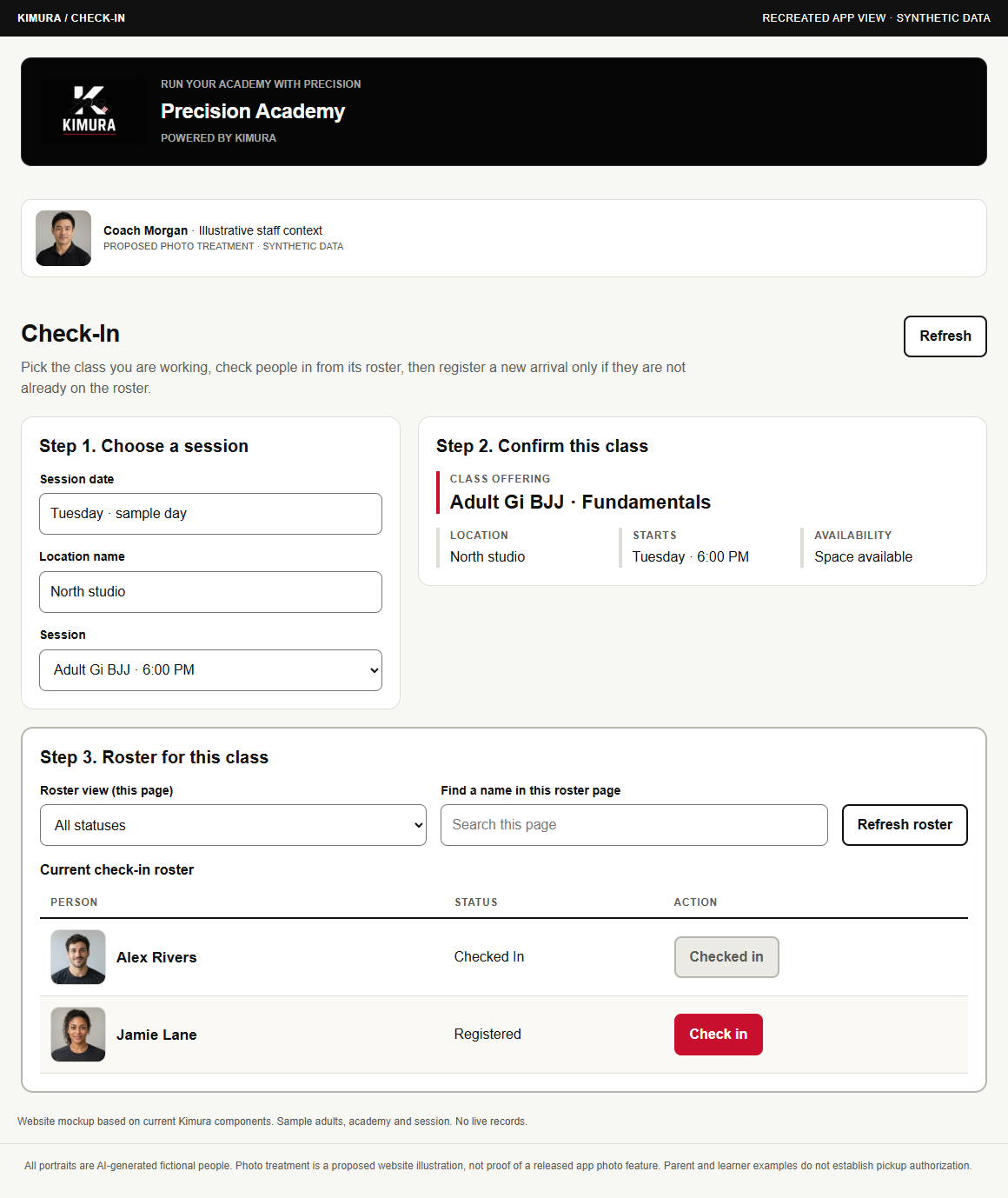 Synthetic adults · Proposed photo treatment · Open complete mockup →
Built on Salesforce · In active development
The demos use fictional sample people and records, also called synthetic data. Planned concepts are labeled and are not released features.
Watch the walkthrough · 67 seconds ↓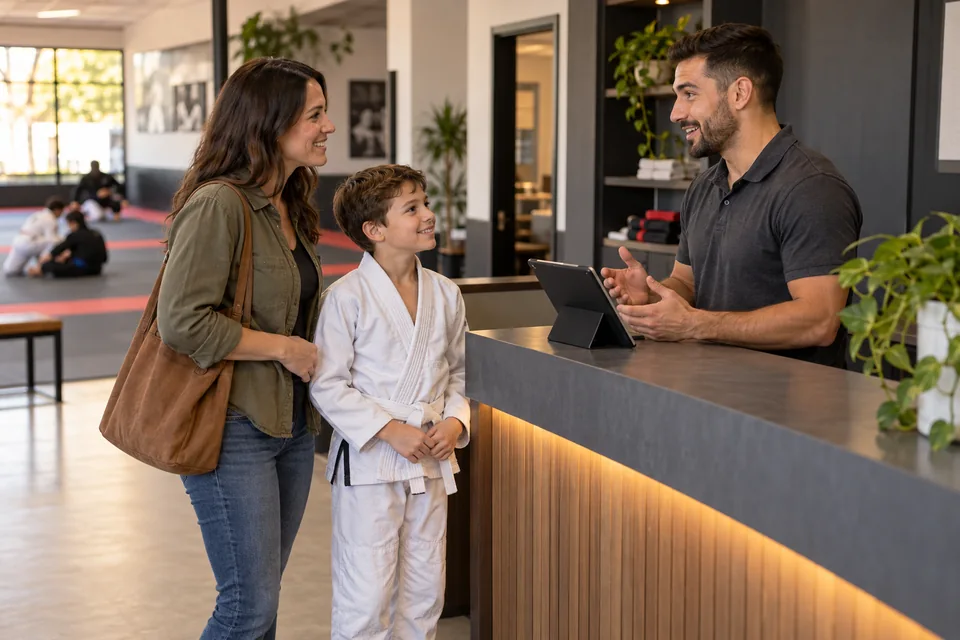
Try the full arrival example Adult Gi BJJ · Synthetic roster
 PRECISION ACADEMY
FICTIONAL ACADEMY
INTERACTIVE WEBSITE PREVIEW
Welcome the class.
Adult Gi BJJ · 18:00 · North studio
1 of 2demo arrivals present
Alex RiversAdult member
PresentJamie LaneAdult trial
ExpectedSynthetic roster. Nothing changes in Salesforce.
Recreated check-in workflow · Synthetic adults and session.
Explore app-based mockups and development status →
EVALUATING KIMURA
Choose a task to explore.
Explore a workflow, understand the status and bring your academy’s questions.

that matters to you.Illustrative academy scene · AI-generated fictional adult
TAKE A CLOSER LOOK
What would you like to simplify?
SYNTHETIC WEBSITE DEMO · IN DEVELOPMENTGive every arrival a clear next step.
See who is expected and keep the trial handoff close to check-in.
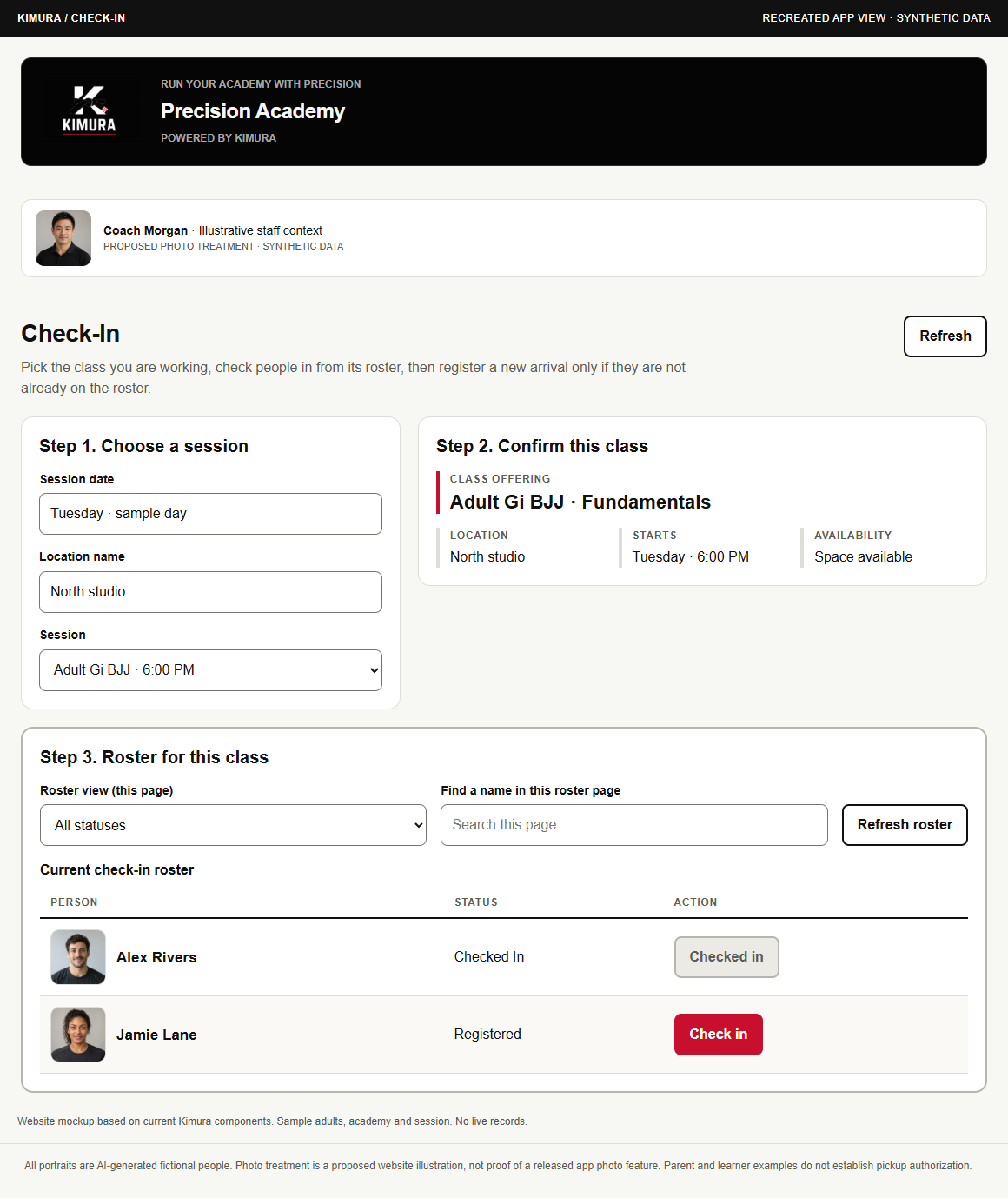 Recreated app view · Synthetic data · Proposed photo treatment
Every interaction is synthetic. Expanded video tools, public portals, payments and merchandise remain planned.
Assess your academy’s fit Product status, Salesforce & rollout questions →
Salesforce, licensing & implementation questions →Read or print the evaluation brief →BEFORE WE DISCUSS YOUR ACADEMYPlan the conversationLicensing, setup, training & pilot scope
Bring your current tools and the workflow you want to improve.
- Salesforce & licensingDiscuss your academy’s platform and licensing needs.
- Getting startedReview implementation, data migration and team training.
- Pilot scopeAgree which workflows to evaluate and what success would look like.
Pricing is unpublished. Licensing, implementation, migration, training and pilot terms require an individual discussion; no package or timeline is promised here.
Request a walkthrough or discuss a pilot →WATCH THE ACADEMY DAY
See the academy day in 67 seconds.
From the front desk to the mat, see Kimura today and explore what is planned.
The film could not play. Read the transcript below or open the video file.
Actual Follow-ups development capture shows an empty state. Other product screens are recreated or planned concepts with synthetic data; academy imagery is AI-generated. Includes AI-generated narration, on-screen text and English captions. Nothing connects to live academy records.
Read the voiceover script
- 00:00 See how an academy day fits together. This walkthrough uses sample records and recreated screens, alongside one actual development capture.
- 00:09 Start at check-in. Confirm the person and class, then review the trial details before welcoming the next arrival.
- 00:19 Before class, coaches can review the session, lesson assignment and roster. The example shows what to check next.
- 00:28 This is the actual Follow-ups screen from development. It is empty. The populated trial story elsewhere in the demo is a recreation.
- 00:37 Owners can review attendance alongside each program. Attendance adds context. An authorized owner still makes the promotion decision.
- 00:48 Family views are planned. Permission to see a child’s information and permission to collect them need separate checks. A family link alone is not approval.
- 00:59 Teaching videos, the academy store and payments are planned. These examples do not connect playback, checkout or payment processing.
- 01:09 Kimura is built on Salesforce and remains in development. Try the interactive demo, or ask us to walk through your academy’s workflow.
ONE ACADEMY. ONE CONNECTED DAY.
See what owners, staff and coaches do.
See how owners, front-desk staff and coaches work together Three academy perspectives →

09:00 / OWNER
Prepare before the day gets busy.
See tonight’s sessions, the trial to welcome and the promotion that needs your review.
Start the owner view →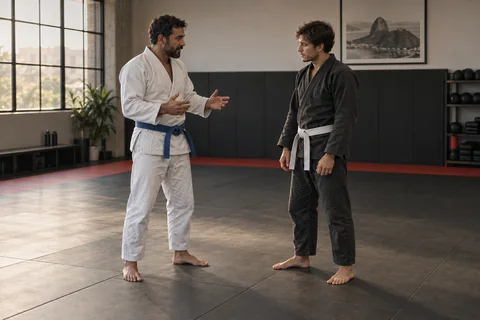
17:30 / COACH
Arrive ready to teach.
The coach opens the lesson linked to the session. Expanded teaching-resource tools remain a concept.
Explore lesson preparation →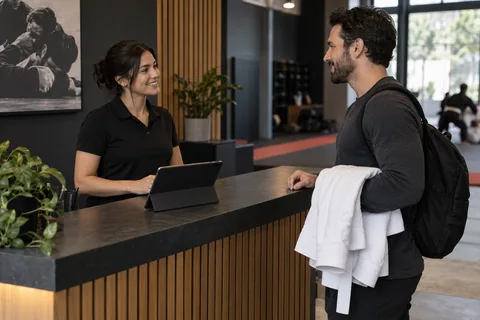
17:55 / FRONT DESK
Welcome arrivals with context.
The trial note reaches the front desk before Jamie arrives. Check-in stays tied to the right session.
Try the arrival workflow →Academy scenes are AI-generated with fictional adults, not customer photographs. Every website interaction is synthetic.

YOUTH PROGRAMS. FAMILY CONTEXT.
Prepare youth classes.
Keep family context clear.
Keep teaching, attendance and program-specific progress in view as your academy grows.
PRECISION ACADEMYYOUTH LAYOUT CONCEPT · NOT RELEASED
KIDS GI BJJ / MAT MANIACS
Ready for the next class.
16:30 · North studio · Fictional session

Coach MorganSession coach · Review the lesson

Sample learner AYouth learner · Expected for class
Synthetic data · Illustrative website layout, not a released youth screen. Portraits are proposed. No records change.
Explore session planning →PLANNED FAMILY EXPERIENCE
A relationship is not blanket permission.
Guardian access should be limited to the appropriate child and permissions. Pickup authorization needs a separate check; a photo or family link alone is not approval.
Explore guardian access & pickup concepts →BUILT AROUND MARTIAL ARTS
Track progress
by program.
Progress belongs to a program. An Adult Gi BJJ belt and a Muay Thai sash tell different stories.
Attendance informs an owner’s review; it never automatically approves a promotion.
Explore curriculum & progression →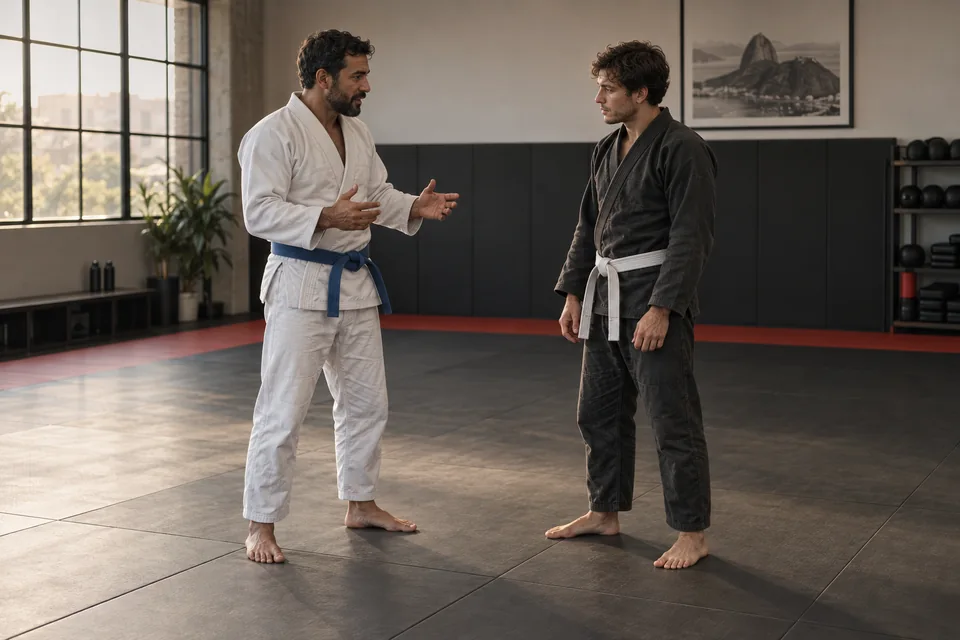
FICTIONAL PROGRAM CONTEXT
Alex Rivers
Adult Gi BJJWhite belt · 4 earned stripes
Muay ThaiBlue sash · No stripes
Separate programs. Separate progression.
Owner judgment remains essential.
Illustrative academy scene · AI-generated fictional adults
WHAT’S NEXT / PLANNED CONCEPTS
A view of what’s next.
Planned concepts for the broader academy experience. Not released.
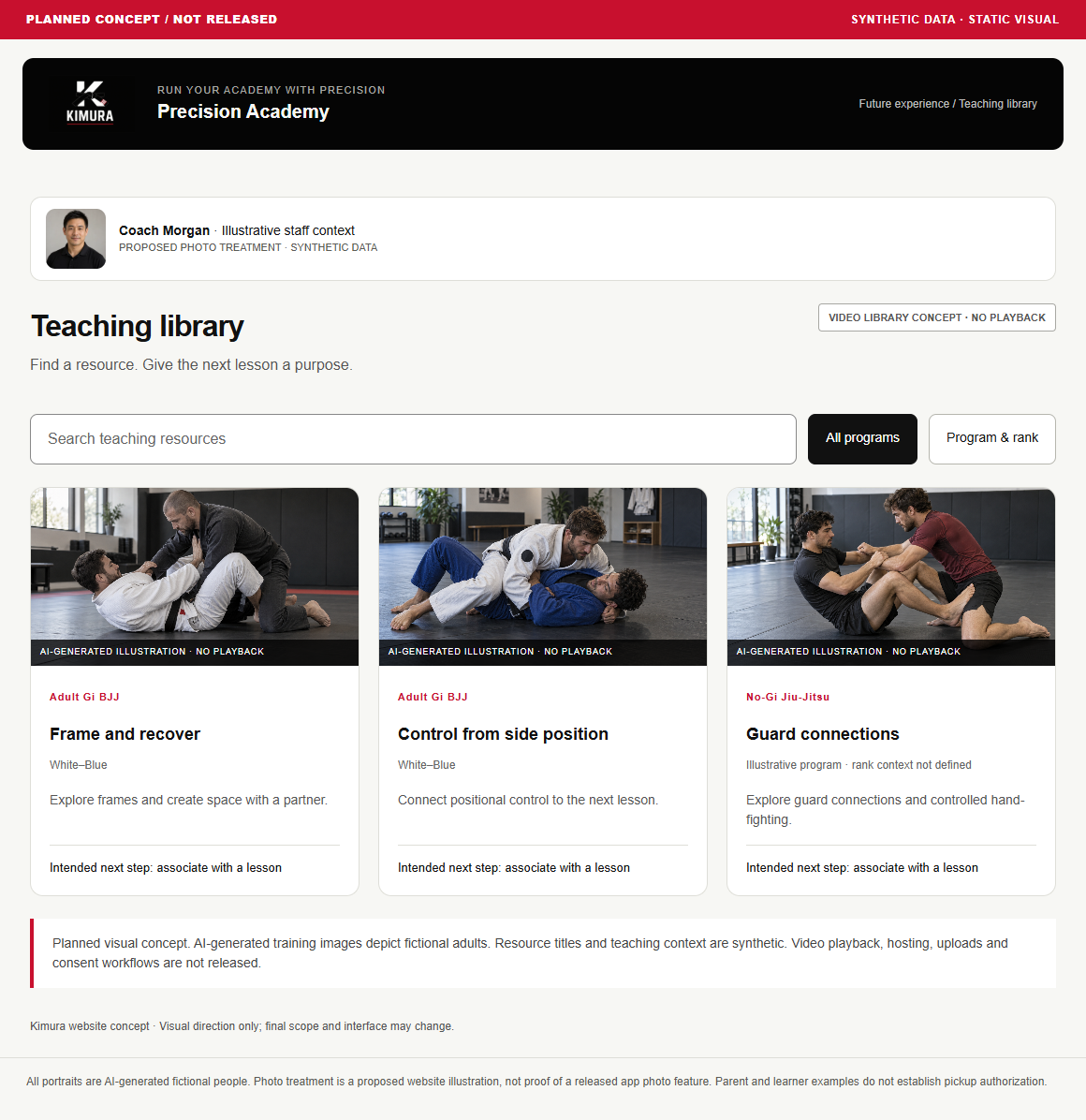 PLANNED CONCEPT / NOT RELEASED
Video & learning resources
A planned path from teaching resources to lessons.
View the concept →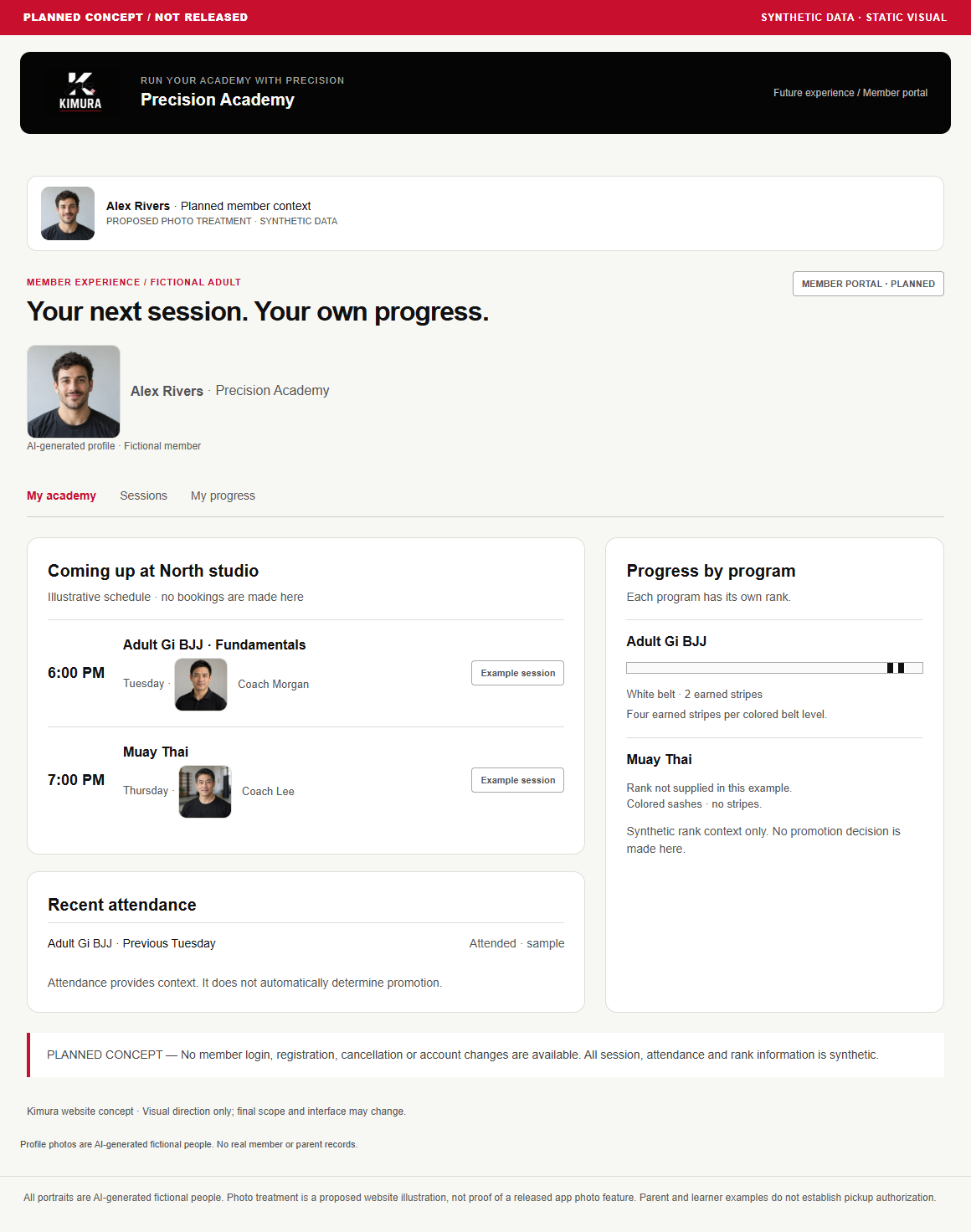 PLANNED CONCEPT / NOT RELEASED
Member & parent portals
Planned personal and family views of academy life.
View the concepts →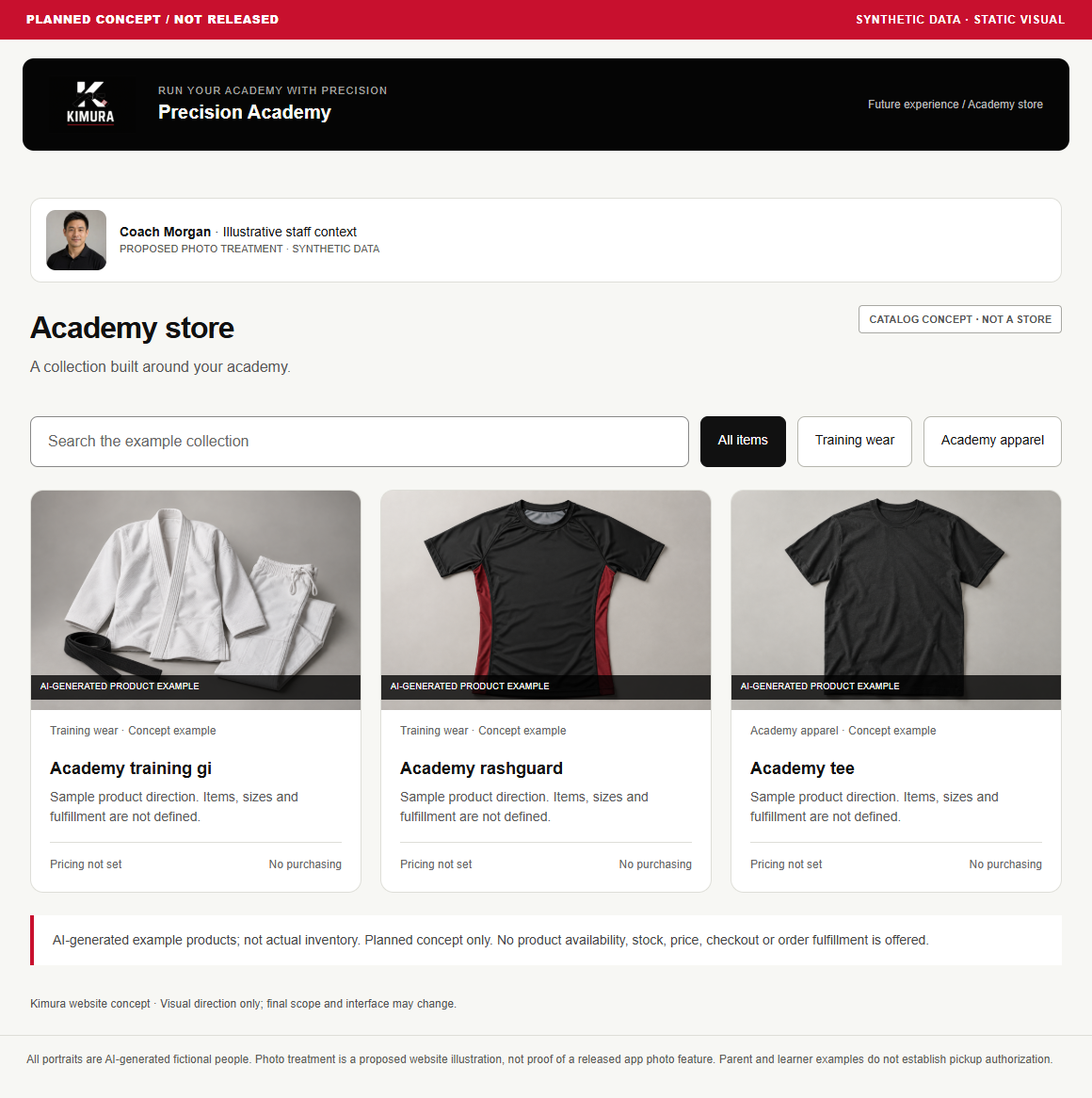 PLANNED CONCEPT / NOT RELEASED
Merchandise & payments
Planned store and payment-status experiences.
View the concepts →06 / PRACTICAL QUESTIONS
A few things to know.
Is Kimura built on Salesforce?
Yes. Kimura is a Salesforce-based academy-management application. The platform supports its connected data, configured access and reporting foundation. This public website is a separate synthetic demonstration; planned portal, media and payment experiences are not made available simply by using Salesforce.
Is this the live Kimura app?
This is a separate product website with synthetic examples. Demo actions stay in this browser and do not change academy records.
Does attendance automatically approve a promotion?
No. Attendance provides context. An authorized owner reviews the promotion decision. The certificate shown here remains PREVIEW — NOT ISSUED.
How can I ask about pricing, a walkthrough or a pilot?
Pricing has not been published. For product questions, email halobusinesssystems@gmail.com. Walkthrough and pilot inquiries are welcome. Scope and availability are discussed individually.
More about programs, videos and portals
Can someone have different ranks in different programs?
Yes. Progression belongs to a program. Adult Gi BJJ and Muay Thai can have independent ranks for the same person; belt color bands and earned stripes are separate concepts.
Are training videos and payments available here?
No. The resource browser illustrates teaching metadata; it does not play or host videos. Payment processing is planned, with provider and billing decisions still to resolve.
Can members or parents sign in?
Public member and parent access remains planned. The website’s audience views are read-only concepts, not accounts or permission controls.
YOUR NEXT STEP
Make your next academy task clearer.
Are trial follow-ups, class preparation or attendance handoffs hard to track? Halo's Requirements & Delivery Readiness Sprint maps one academy workflow and clarifies what your team needs before an implementation is scoped. Tell us where work gets stuck, and we can discuss whether the sprint fits.
Each link opens an editable email draft. Nothing is sent automatically.
Product inquiries · Halo Business Systems
Opens your email app · halobusinesssystems@gmail.com
Walkthrough and pilot inquiries are welcome. Scope and availability are discussed individually.
What would we discuss?
- Your academy — your locations, team and current tools.
- Your workflow — the task you want to explore in a walkthrough.
- Your questions — development status, implementation and possible pilot scope.
A pilot inquiry starts a discussion; it is not an agreed pilot. Dates, scope and terms would be discussed individually.
Explore the demo →
EXPLORE A DAILY WORKFLOW
Start with the work that matters.
IN DEVELOPMENT · RECREATED EXAMPLESCheck-in & attendanceExplore the workflow →IN DEVELOPMENT · RECREATED EXAMPLESSession & lesson planningExplore the workflow →IN DEVELOPMENT · RECREATED EXAMPLESTrial inquiries & follow-upsExplore the workflow →
Complete mockups and synthetic examples. Planned capabilities remain labeled separately.
WATCH A WORKFLOW
See the day in motion.
Actual empty-state captures, recreated views and planned concepts are labeled in each film.